






Customer Checkout

Your customer enters their payment details at your Shopify checkout.

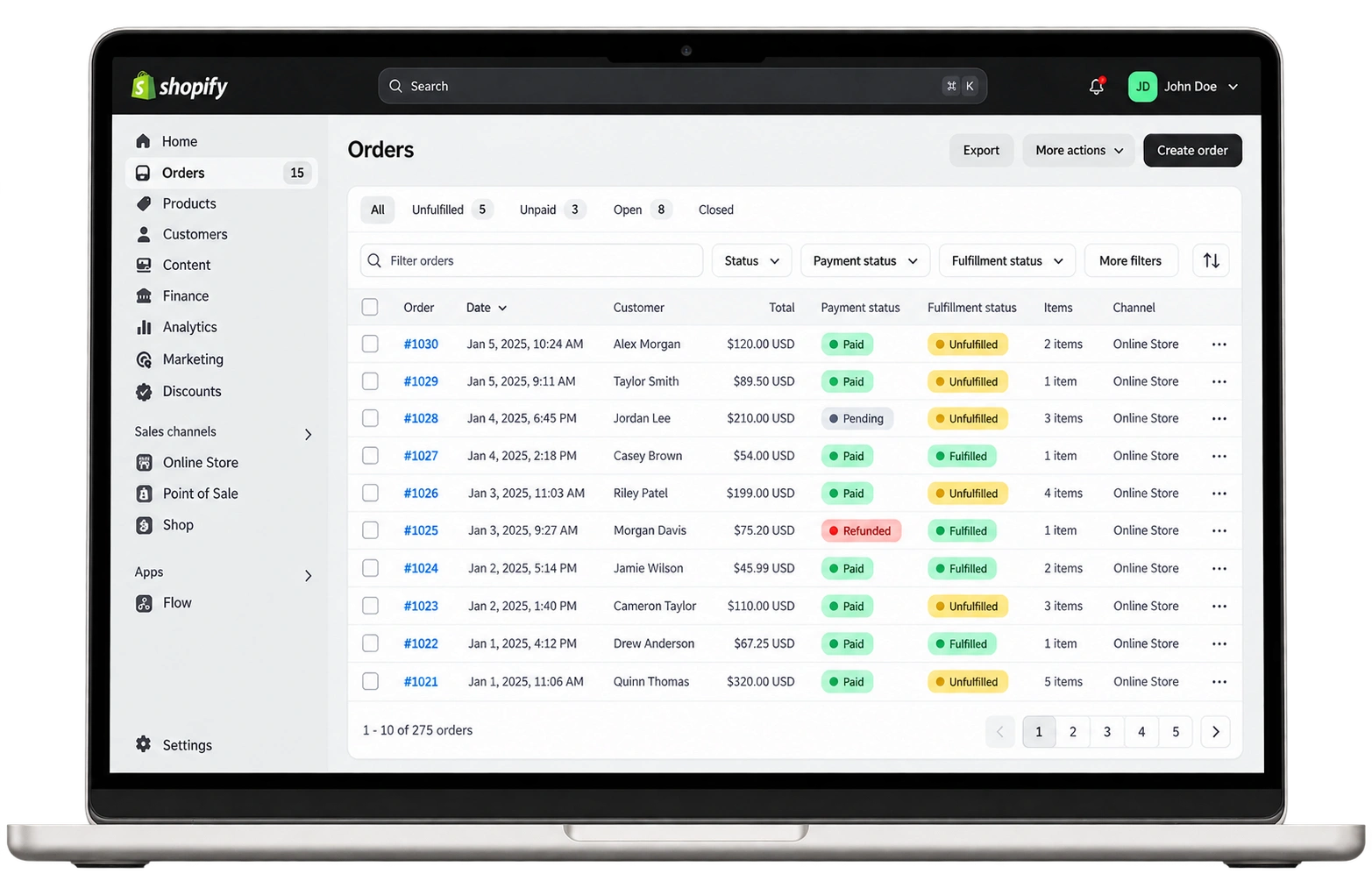
Accept all major credit and debit cards on your Shopify store.




Your store. Your merchant account.
Everything you need to connect your merchant account and get paid.

Hold your own MID instead of sharing a processor's account, then connect it to your Shopify store.

Connect through one of the 100+ credit card payment providers Shopify supports.

Use a direct provider so customers finish paying on your store, not a third-party page.

Get matched with banking partners that support businesses Shopify Payments does not accept

Add 3D Secure authentication to help cut fraud and chargebacks on online orders.

Work with payment specialists who stay with you after onboarding, not a chat widget.
Shopify connects to your merchant account through a supported payment gateway. Pick the gateway that fits your business, and we handle the setup.
Your customer enters their payment details at your Shopify checkout.
Your payment gateway securely sends the transaction to the issuing bank.
The bank approves the transaction and authorizes the funds.
Funds settle to your merchant account on your scheduled funding cycle.


From new stores to high-volume brands, we match you with the right merchant account.


A Shopify merchant account is an account with an acquiring bank that lets your Shopify store accept card payments and receive the funds. Shopify offers its own built-in processor, Shopify Payments. You can also connect your own merchant account through a third-party Shopify payment gateway such as Authorize.net or NMI.
Yes. Shopify lets you choose from over 100 credit card payment providers, so you can connect your own merchant account through a Shopify third-party payment provider. You can use that provider as your only credit card processor or alongside Shopify Payments.
No. Shopify Payments is Shopify’s built-in payment processor, so you do not set up your own merchant account to use it. Only eligible merchants can use it. Your business must be in a supported country, sell products that are not prohibited, and follow the Shopify Payments terms for your country and industry.
Shopify publishes a list of prohibited products and services for Shopify Payments, and it states the list is not exhaustive. Examples include cannabis and related products, tobacco, money transfers, cryptocurrencies, check cashing and credit repair. If your business is not eligible, Shopify lets you add a third-party payment provider instead. AllayPay helps high-risk Shopify stores find a compatible merchant account.
Yes, where hemp sales are legal. Shopify supports hemp and hemp-derived products when the laws of your store’s location and the shipping destination permit them. Shopify Payments does not support hemp, CBD or THC products, so a CBD store needs a Shopify third-party payment provider that accepts hemp sales. CBD is one of the high-risk industries AllayPay serves, and approval still depends on underwriting.
Shopify supports two types of credit card providers. With a direct provider, customers complete their purchase on your online store. With an external provider, customers finish checkout on a page hosted outside your store.
Yes, but not for card processing. Shopify lets you use a third-party provider alongside Shopify Payments to access options such as Shop Pay and local payment methods, but you can have only one credit card payment provider active at a time. Shop Pay with a third-party gateway also requires your store to meet the Shopify Payments requirements, so stores that are prohibited from Shopify Payments cannot use it. Your AllayPay specialist can help you choose the right setup.
Shopify supports many gateways, including Authorize.net and NMI, and AllayPay offers both directly. Authorize.net is available as a payment app in the Payments section of your Shopify admin. NMI’s Shopify app is installed from the NMI Merchant Portal and is limited to the U.S. and other countries that do not require 3D Secure. AllayPay helps you pick a gateway that works with both your merchant account and your Shopify store.
Authorize.net and NMI both connect a merchant account to Shopify, but they differ in setup and features. Authorize.net installs from your Shopify admin and needs a separate sandbox account for testing because its test servers are not compatible with Shopify. NMI’s Shopify app uses an inline checkout but does not support recurring payments, 3D Secure or Shopify’s in-person devices. AllayPay can set up either gateway on your merchant account.
From your Shopify admin, go to Settings, then Payments. If Shopify Payments is active, click Manage, then choose to switch to a third-party provider. If it is not active, click to see all other providers. Then select your gateway and enter your account credentials.
Shopify keeps your previous provider available for cases such as returns. To process refunds or returns for orders placed with your old provider, do not remove its account credentials from the Payments page before switching.
Yes. You can place test orders with Shopify’s test payment gateway or your gateway’s test mode. For example, Authorize.net test servers do not work with Shopify, so you need an Authorize.net sandbox account to run test transactions. Your AllayPay specialist can walk you through testing for your gateway.
A Shopify store with its own merchant account typically accepts Visa, Mastercard, American Express and Discover. NMI’s Shopify app also supports Maestro, JCB and Diners Club. Apple Pay, Google Pay, Amazon Pay and PayPal buttons appear only when a provider you use offers them. Shop Pay with a third-party gateway requires your store to meet the Shopify Payments requirements, so stores that are ineligible for Shopify Payments cannot offer it.
Yes, with an external card terminal. Shopify POS lets you use an external payment provider when you choose not to use Shopify Payments. You take the card payment on a terminal from your processor, record it in Shopify POS with a custom payment type and mark the order as paid. Your AllayPay specialist can help you set up the terminal.
The cost of a Shopify merchant account is made up of your processing rates, your gateway fees and your Shopify plan fee. The provider that boards your account sets the processing rates and gateway fees based on your industry and sales volume. AllayPay sets up both the merchant account and the Authorize.net or NMI gateway, so you can request a free quote for your Shopify store. For comparison, Shopify Payments charges 2.9% + 30¢ online on the Basic plan.
AllayPay is an ISO built for high-risk industries, based in Plantation, Florida since 2016 and registered as an ISO/MSP of Fifth Third Bank, N.A., Cincinnati, OH. AllayPay serves more than 1,000 active merchants and processes over $1.1 billion a year. We set up merchant accounts, so your Shopify store holds its own MID, and we offer Authorize.net and NMI gateways. You get payment processing specialists who stay with you after onboarding instead of a chat widget.
To get a Shopify merchant account through AllayPay, request a free quote and tell us your business type, Shopify store, expected monthly volume and average transaction amount. AllayPay boards U.S. businesses only and offers same-day approvals for many businesses. Once approved, we set up your Authorize.net or NMI gateway and help you connect it under Settings, then Payments in your Shopify admin.
No. AllayPay boards U.S. merchants only, so a Shopify store needs to be operated by a U.S. business to get a merchant account through AllayPay. NMI’s Shopify app is also limited to the U.S. and other countries that do not require 3D Secure. Stores outside the U.S. should choose a provider from the list Shopify publishes for their country or region.
Get Started
Tell us about your business and we'll match you with the right banking partner and the right pricing, usually within one business day.
 No long-term contracts. Cancel anytime.
Service and support at a fraction of the cost.
Dedicated U.S.-based account manager included.


